What's on it
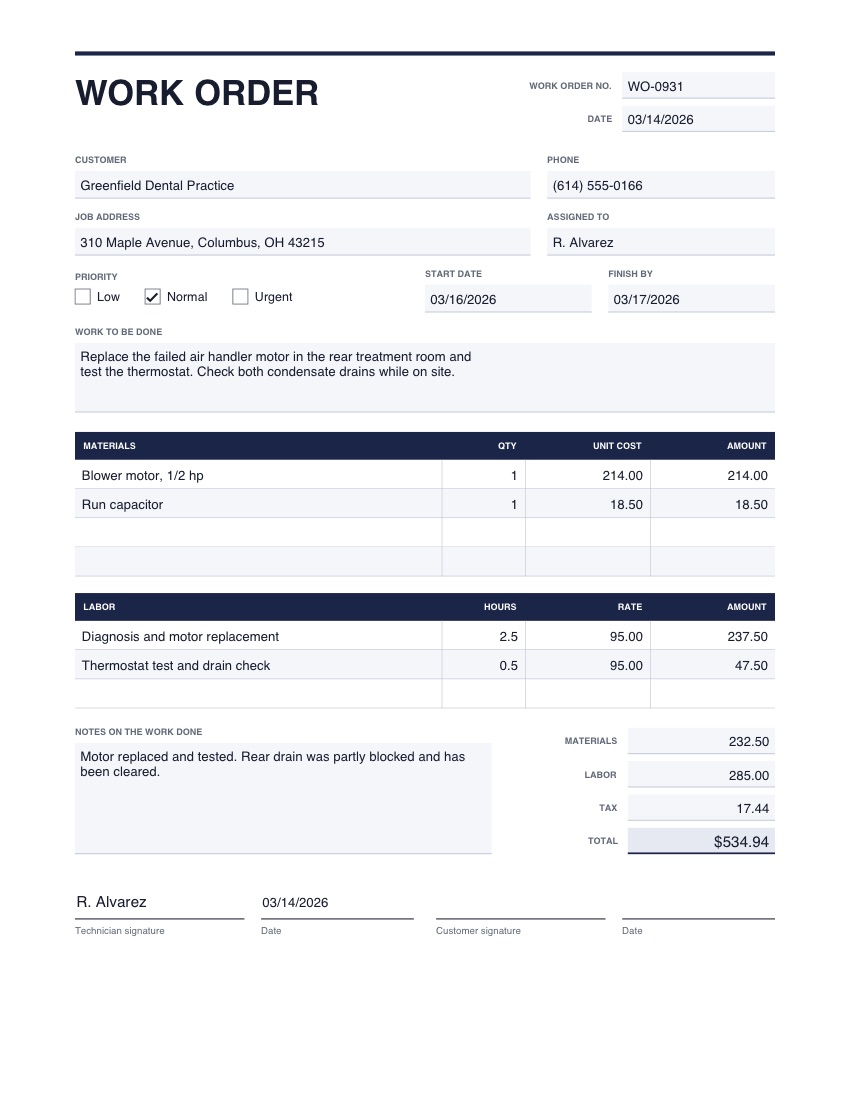
- Work order number, date and priority
- Customer, job address and who it's assigned to
- A description of the work to be done
- Tables for materials and for labor
- Totals, notes on the work done, and technician and customer signatures
One page, US Letter. The picture shows example details; yours opens empty.
Good to know
- The customer can sign on a phone or tablet with the Signature tool when the job is done.
- Photos of the finished work can be added as extra pages.
How to use it
- 1
Press the button. The template opens in the editor, empty.
- 2
Type into the boxes and tick what applies. Click any wording to change it, and add your logo or signature.
- 3
Download the finished PDF, or save it to your account to reuse.