What's on it
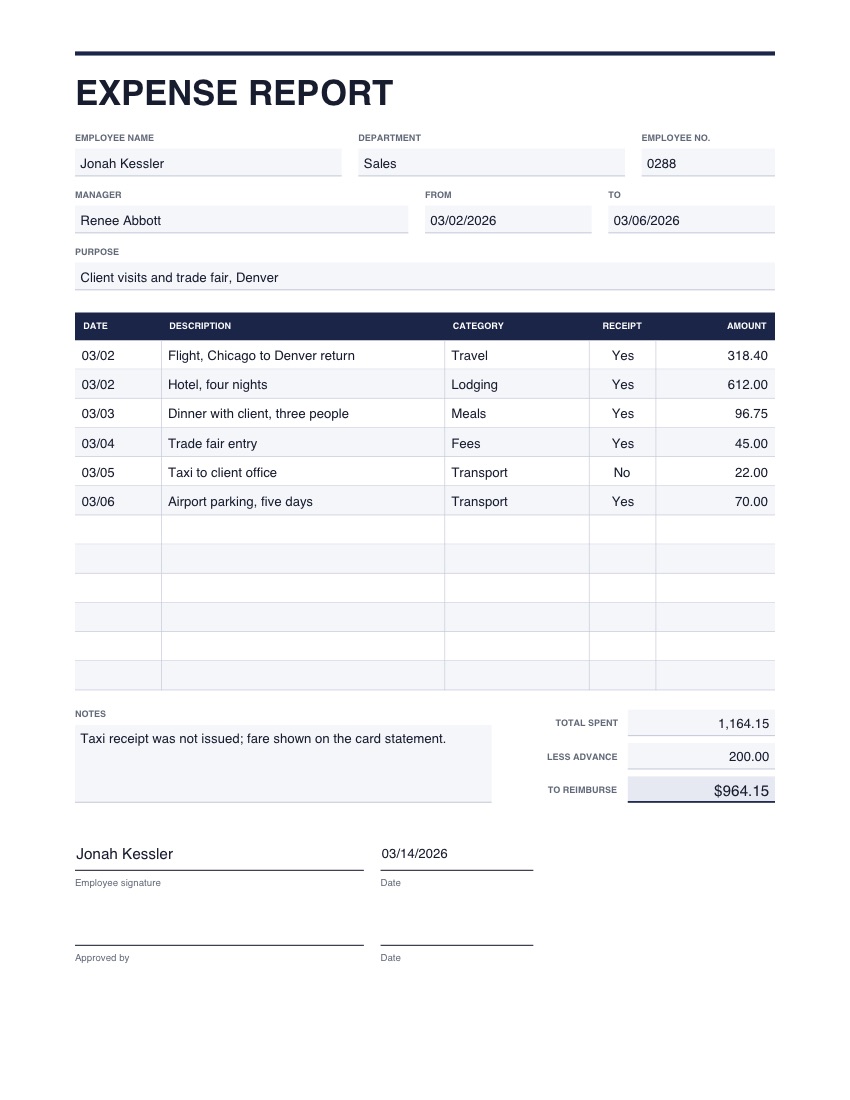
- Employee, department, manager and the dates covered
- The purpose of the spending
- Twelve lines with date, description, category, receipt and amount
- Total spent, less any advance, and the amount to reimburse
- Employee signature and approval
One page, US Letter. The picture shows example details; yours opens empty.
Good to know
- You can add scans of the receipts as extra pages with Add PDFs or images.
- Use the same category names each time so the reports can be compared.
How to use it
- 1
Press the button. The template opens in the editor, empty.
- 2
Type into the boxes and tick what applies. Click any wording to change it, and add your logo or signature.
- 3
Download the finished PDF, or save it to your account to reuse.