What's on it
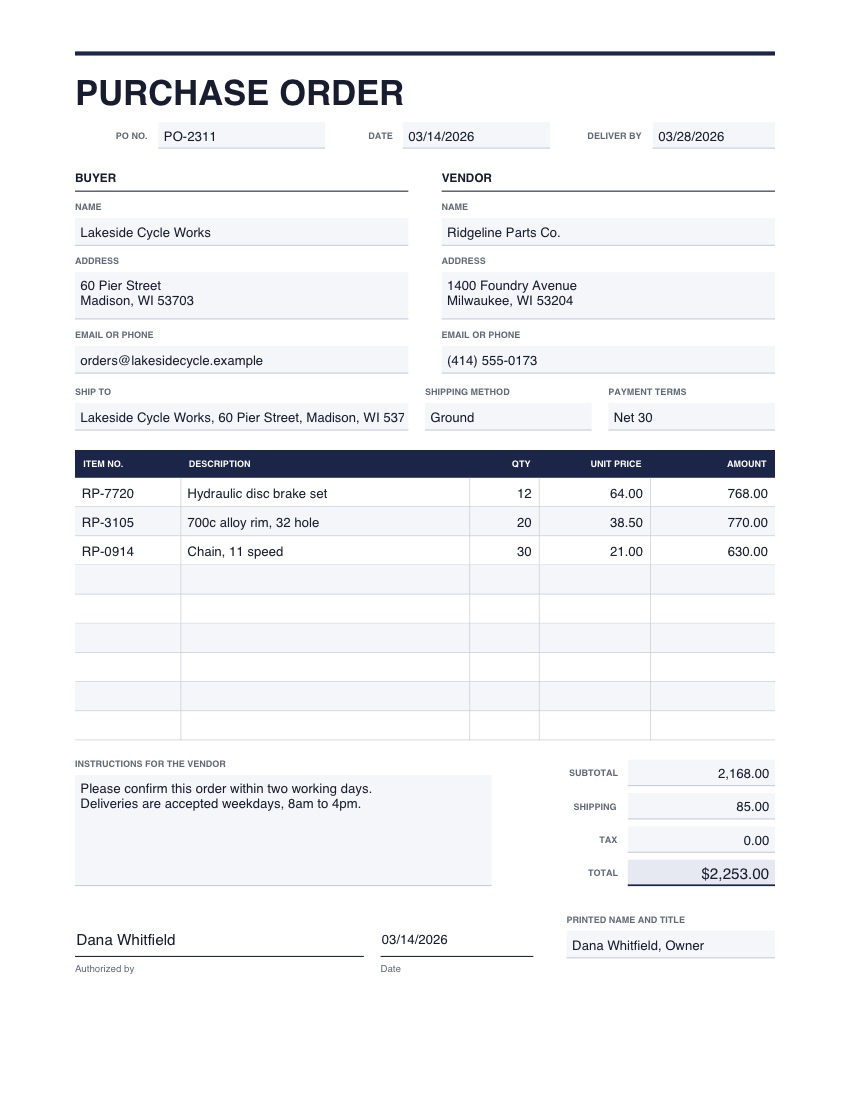
- PO number, date and deliver-by date
- Buyer and vendor details
- Ship-to address, shipping method and payment terms
- Nine lines with item number, description, quantity and price
- Subtotal, shipping, tax, total and an authorizing signature
One page, US Letter. The picture shows example details; yours opens empty.
Good to know
- Use the supplier's own item numbers where you can; it avoids the wrong part arriving.
- Keep a copy with the number on it so the supplier's invoice can be matched to it.
How to use it
- 1
Press the button. The template opens in the editor, empty.
- 2
Type into the boxes and tick what applies. Click any wording to change it, and add your logo or signature.
- 3
Download the finished PDF, or save it to your account to reuse.